Start with your voice.
An idea on a walk. A plan for tomorrow. Something you want to remember. Just say it. Your original recording stays on your phone.
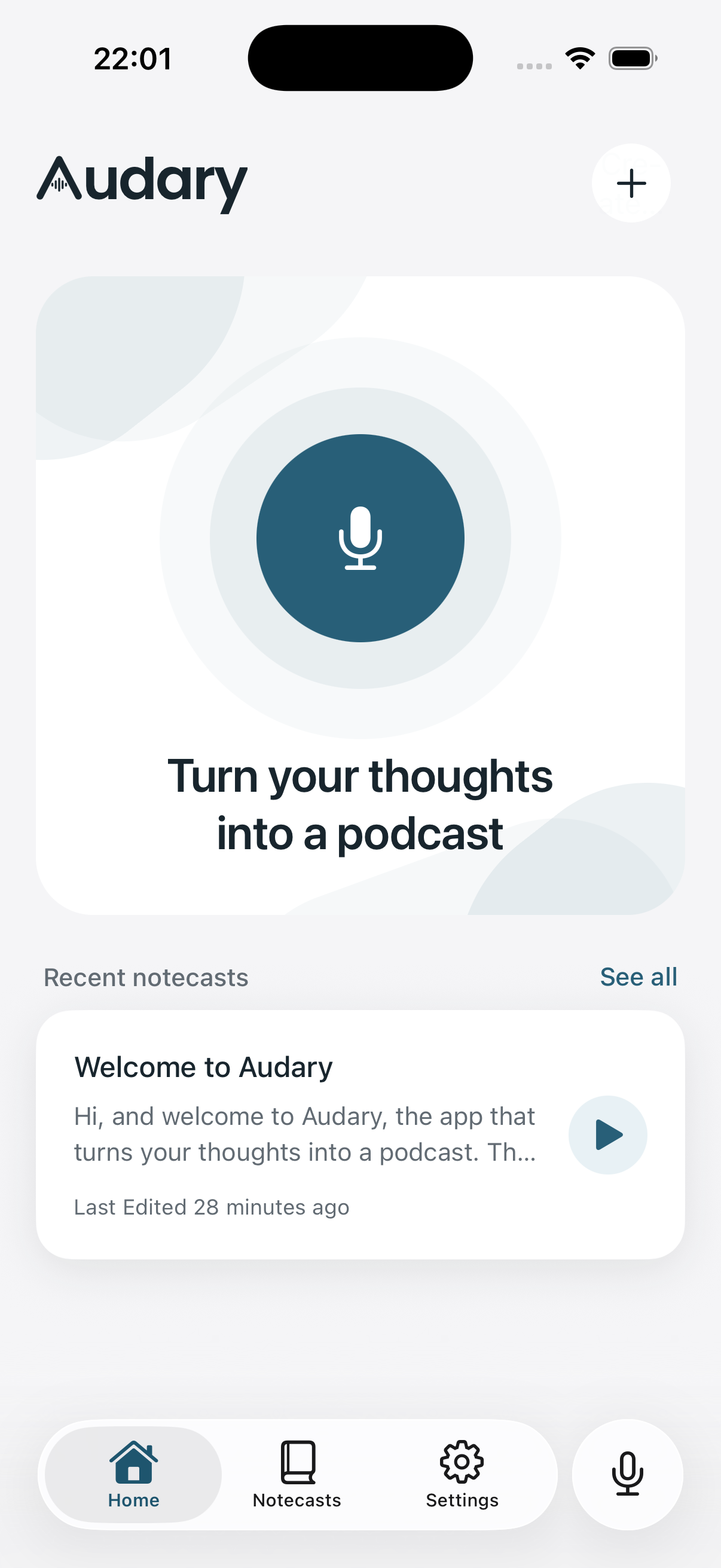
Say what’s on your mind.
Turn it into a note. Listen to it as a podcast.
Made for iPhone. Currently in private beta.
Speak naturallyNo script needed
Find the clear versionYour words, organized
Take it with youSaved audio plays offline
A voice notebook that follows your train of thought.
Even when it takes a few turns.
An idea on a walk. A plan for tomorrow. Something you want to remember. Just say it. Your original recording stays on your phone.
Turn your recording into a readable note. Keep the original transcript, make your own edits, or explain what to change with your voice.
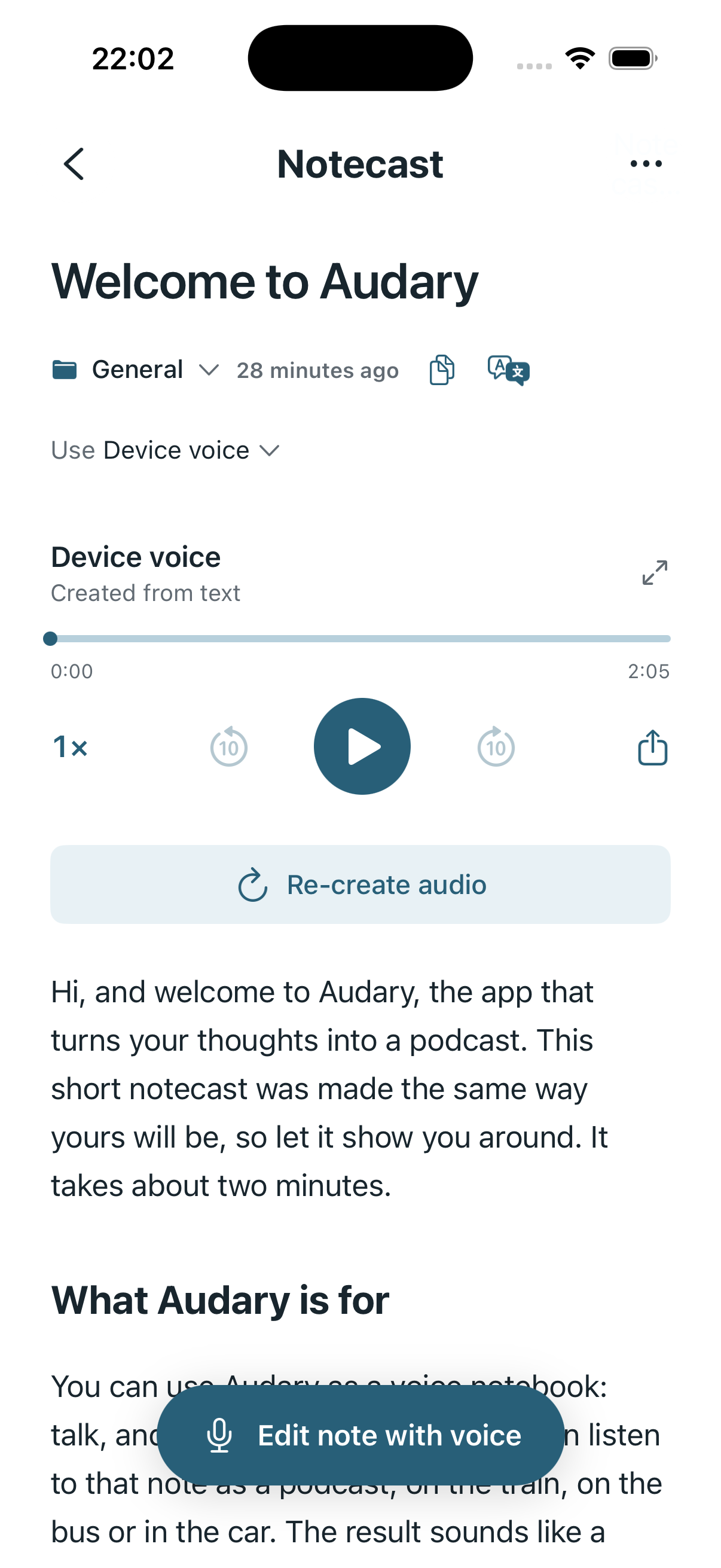
Your notes don’t have to sit in a folder. Turn them into spoken audio and listen while you walk, commute, or take a break.
Choose a voice, change the speed, and keep listening with your screen locked. Playing saved audio again uses no AI credits.
How credits work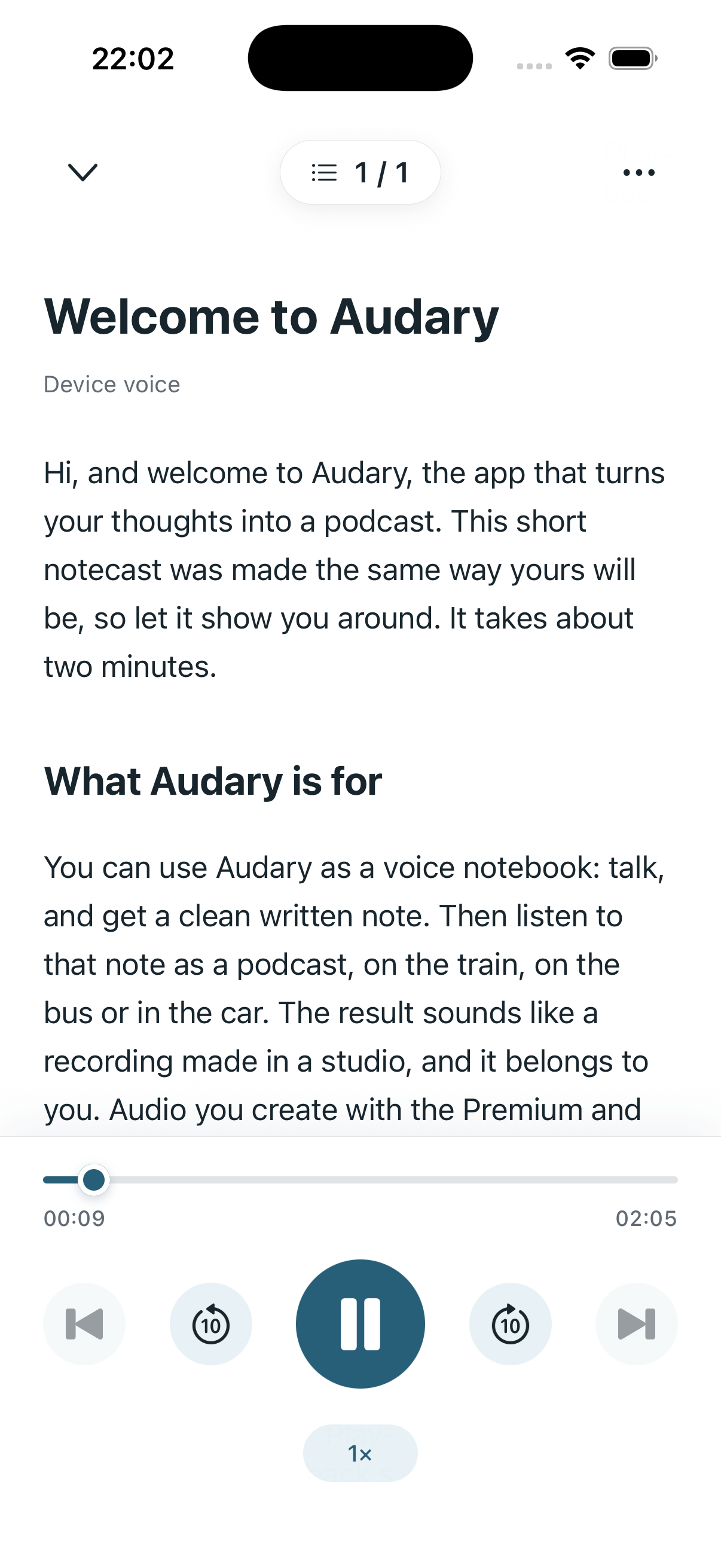
Your recordings, notes and saved audio live on your device. Export what you want to share. Delete what you don’t want to keep.
AI features send the audio or text needed for processing to our providers. Your Apple account restores your credits and membership, not your local library.
A clear view of your privacyPersonal ideas, reflections, plans, and thoughts you would rather say than type. Record your thoughts, turn them into a clearer note, then create spoken audio to revisit later.
You can record and use saved notes and audio offline after signing in. Transcription, AI editing and new cloud voices need an internet connection. Saved audio can be played again without using credits.
No. You can keep a written note, listen to your original recording, or choose the Basic voice supplied by your device. Cloud-generated voices are optional and use credits.
Yes. Edit the text yourself or use voice instructions for an AI edit. You can export text and saved audio using the app’s sharing controls. Only share content you have the rights and permission to share.
Your library is stored locally. Signing in with Apple reconnects your account balance and membership; it does not sync or restore your recordings and notes. Keep exports or device backups for content you want to preserve.
Audary is currently in private beta for iPhone. A public App Store download is not available yet. For questions about availability, get in touch.
Audary is coming to iPhone.
Currently in private beta.